

Engagements & Security Services
Deep human-driven analysis is necessary to uncover complex application logic flaws and security bypasses. Redguard Portal seamlessly integrates professional manual penetration testing, document collaboration, and retest verification services.
Engagements Catalog
An Engagement represents a time-bound security project conducted by Redguard's security tester (e.g., a 2-week penetration test of your external DMZ).
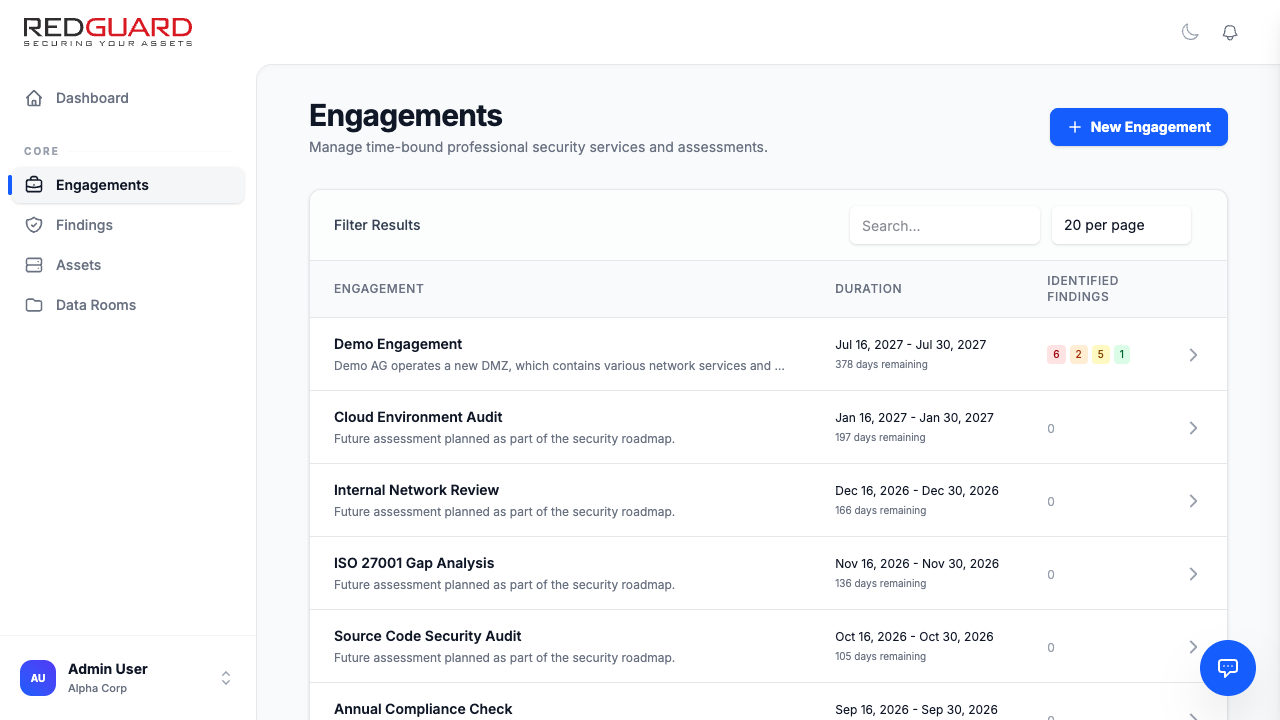
Key characteristics of engagements:
- Timeline: Active and historical penetration testing timelines.
- Scope Definition: Explicitly defines which assets and IP ranges are included in the assessment bounds.
- Findings: Findings discovered during an engagement are automatically pinned to that specific project, allowing you to trace vulnerabilities back to the audit.
Documents & Client Deliverables
During a manual engagement, continuous and secure document sharing is vital. Each engagement includes a Deliverables Panel:
- Scope Documents: Upload architecture diagrams, API specifications, and network diagrams to help the Redguard consultant prepare.
- Final Reports: Once the penetration test is complete, the final signed executive summary and technical report PDFs are published directly to the engagement page for secure download.
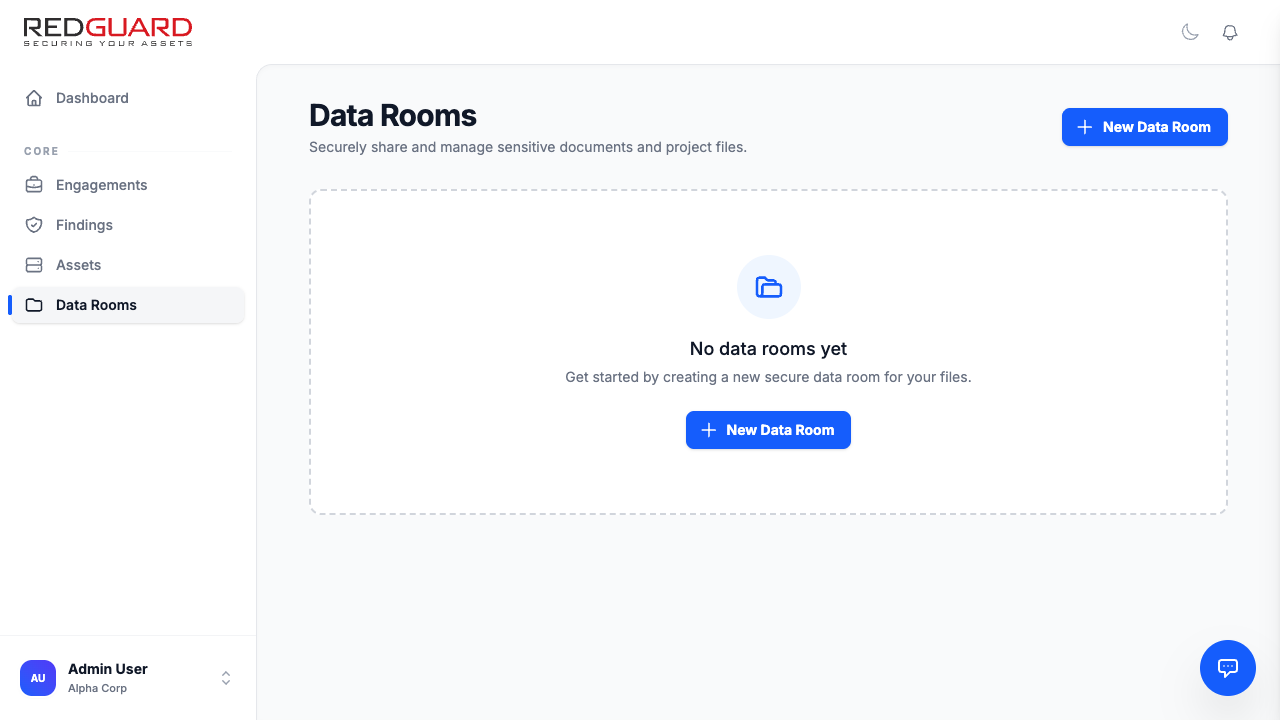
- Data Rooms: Secure document collaboration folders where you can share sensitive files with granular user-specific access control lists (ACLs).
Retest Verifications
Once your engineering team has addressed the findings identified during a penetration test, you can request Redguard's consultants to manually verify your fixes.
How to request a Retest Verification
- Navigate to the relevant Engagement detail page.
- Click Request Retest Verification.
- Select the specific findings you want verified from the checklist.
- Provide any relevant deployment notes or new environment URLs.
- Submit the request.
- A Redguard engineer will be assigned to manually re-test the vulnerability. They will update the findings directly to "Resolved" with detailed verification logs if successful, or return it to "In Remediation" if the vulnerability persists.
Security Service Requests
If you need a new manual assessment outside of your scheduled security roadmap:
- Click Services in the sidebar.
- Select from the available professional services (e.g., Web Application Penetration Test, External Infrastructure Audit, Cloud Security Review).
- Fill out the Service Request Form (specifying expected scope size, target assets, and preferred execution window).
- Submit the request. A Redguard Account Manager will review the request and publish a customized quote directly into your portal.