

Findings & Remediation Lifecycle
Identifying vulnerabilities is only the first step. The Redguard Portal provides robust workflow tools to track, categorize, and consolidate security findings through their entire remediation lifecycle.
Findings Catalog
The Findings Catalog is a central depository where all security vulnerabilities from security audits and manual penetration tests are aggregated.
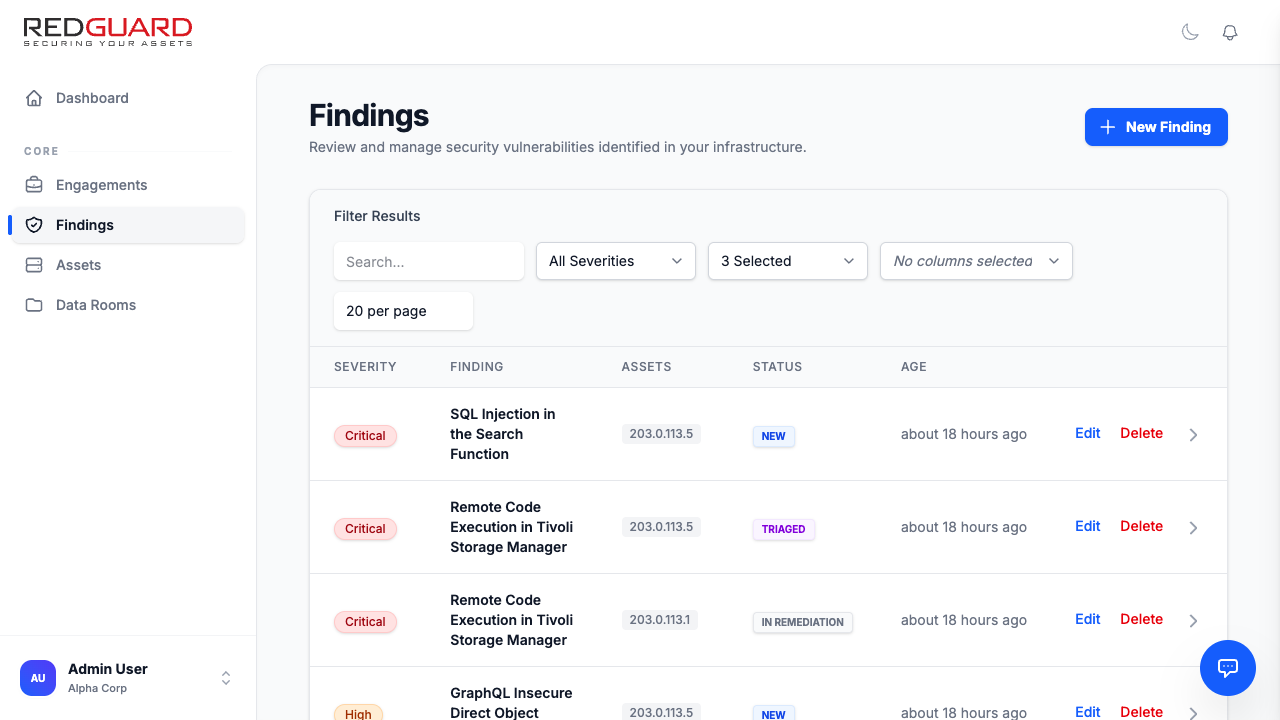
From this screen, you can:
- Search: Search findings by title, description, or asset name.
- Filter: Filter by severity (Critical, High, Medium, Low, Info) and state.
- Customize Columns: Reorder and select which metadata columns are visible on your screen.
Vulnerability Lifecycle States
Every finding progress through a standardized lifecycle from discovery to final resolution:
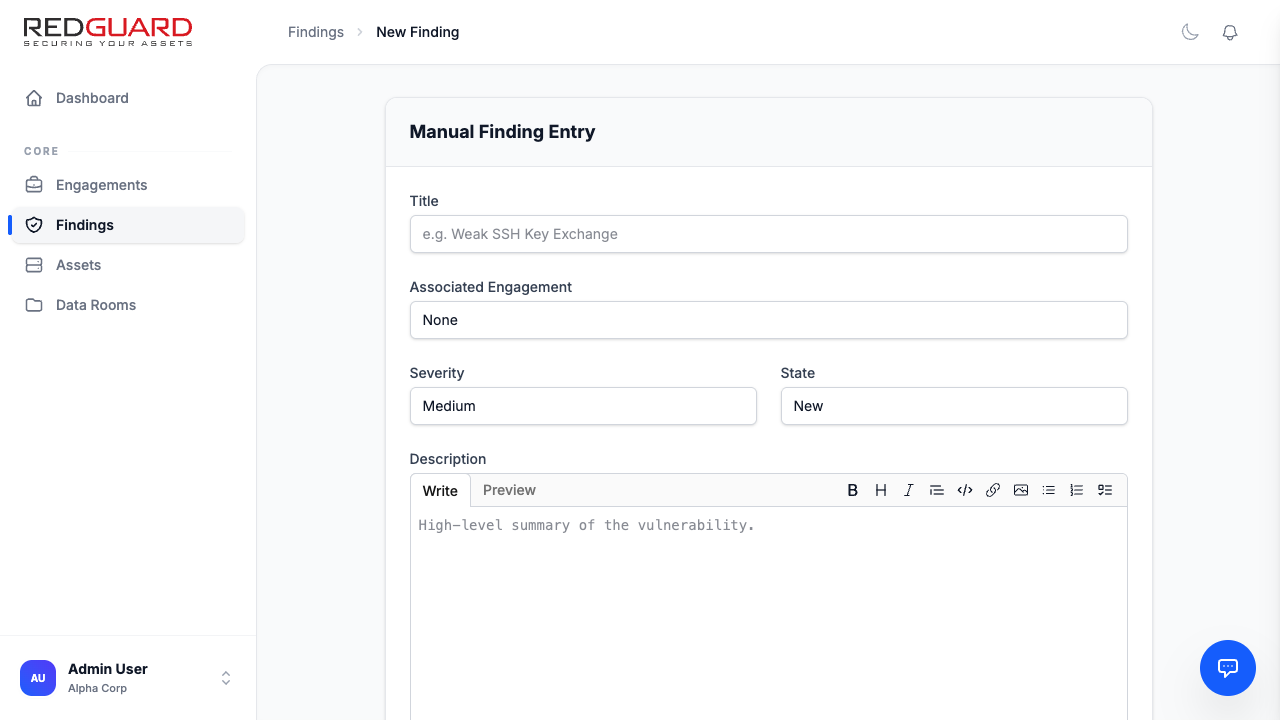
- New: A recently identified risk that has not yet been reviewed or assessed.
- Pending Remediation: The risk has been acknowledged and is queued for a fix.
- In Remediation: Active steps are currently being taken to patch or mitigate this risk.
- Resolved: The risk has been successfully addressed.
- False Positive: Determined to be invalid or non-exploitable in the target environment.
- Risk accepted: Formally accepted without applying a fix.
Consolidation & Merging (De-duplication)
Security audits and reports frequently contain duplicate or highly overlapping findings. For example, multiple assessment streams might identify the same missing HTTP header on the same asset, resulting in multiple individual records.
To prevent catalog clutter, Redguard provides a powerful Finding Consolidation engine:
Merging Findings
- Select the main finding (the "parent" or master record) in the catalog.
- Click Merge Findings in the top action bar.
- Choose the duplicate or related findings from the checklist.
- Click Confirm Merge.
- All duplicate findings will be nested under the master record. Comments, evidence, and historical assessment records from child records are merged into the master view.
You can easily unmerge findings at any time if you need to separate them again by clicking Unmerge on the master finding page.
Custom Metadata Fields
Every organization and asset group has unique auditing requirements. The Redguard Portal supports customizable attributes that allow you to attach specialized, structured metadata to your findings.
For a comprehensive guide on configuring, ordering, and leveraging custom fields—including supported data types and database integrity sweeps—see the dedicated Custom Fields Guide.